


BEST FOR PERSONALIZATION
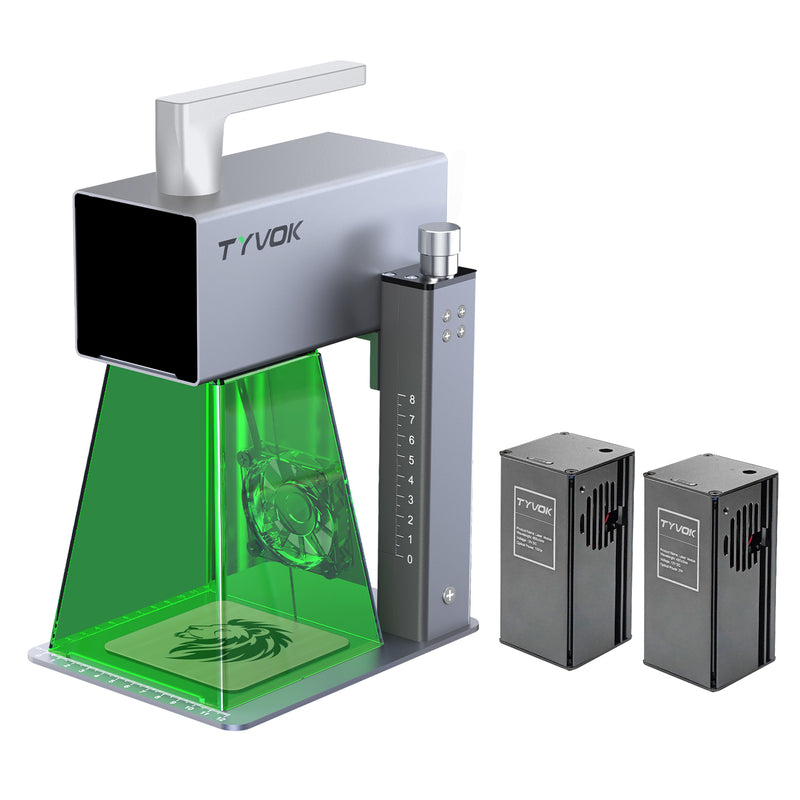
TYVOK P2
Fast desktop engraving for gifts, tags, leather, and coated cards.
Shop P2


SPIDERMAKE · FREE LASER DESIGN TOOLS
Create photo puzzles, name signs, keepsakes and cut-ready files in your browser.
Project inspiration shown. Final results depend on material, machine and settings.
LASER TOOLS FOR MAKERS
From compact personalization to large-format production, choose a TYVOK laser around the work you want to make.
Free shippingOn qualifying orders
1-year warrantyLimited warranty coverage
Secure paymentProtected checkout
Compare all 5 machinesSee each starting price and best-fit job
02Start from $249Find a first machine by the work you want
03Up to 800 × 2000mmExplore the expandable signs-and-panels path
041-year limited warrantyCheck coverage before choosing
 TYVOK PROJECT IMAGE · WORKFLOW REFERENCE
LARGE-FORMAT, SEEN AT HUMAN SCALE
Move beyond tabletop product shots. An expandable workspace gives signs, layered panels, and statement pieces room to become the reason someone stops scrolling.
FOUR WAYS TO TURN A MACHINE INTO WORK
Finished-project references make machine size, material, and selling possibilities easier to understand at a glance.
 TYVOK PROJECT REFERENCE
 CONCEPT VISUALIZATION
 PROJECT REFERENCE
 CONCEPT VISUALIZATION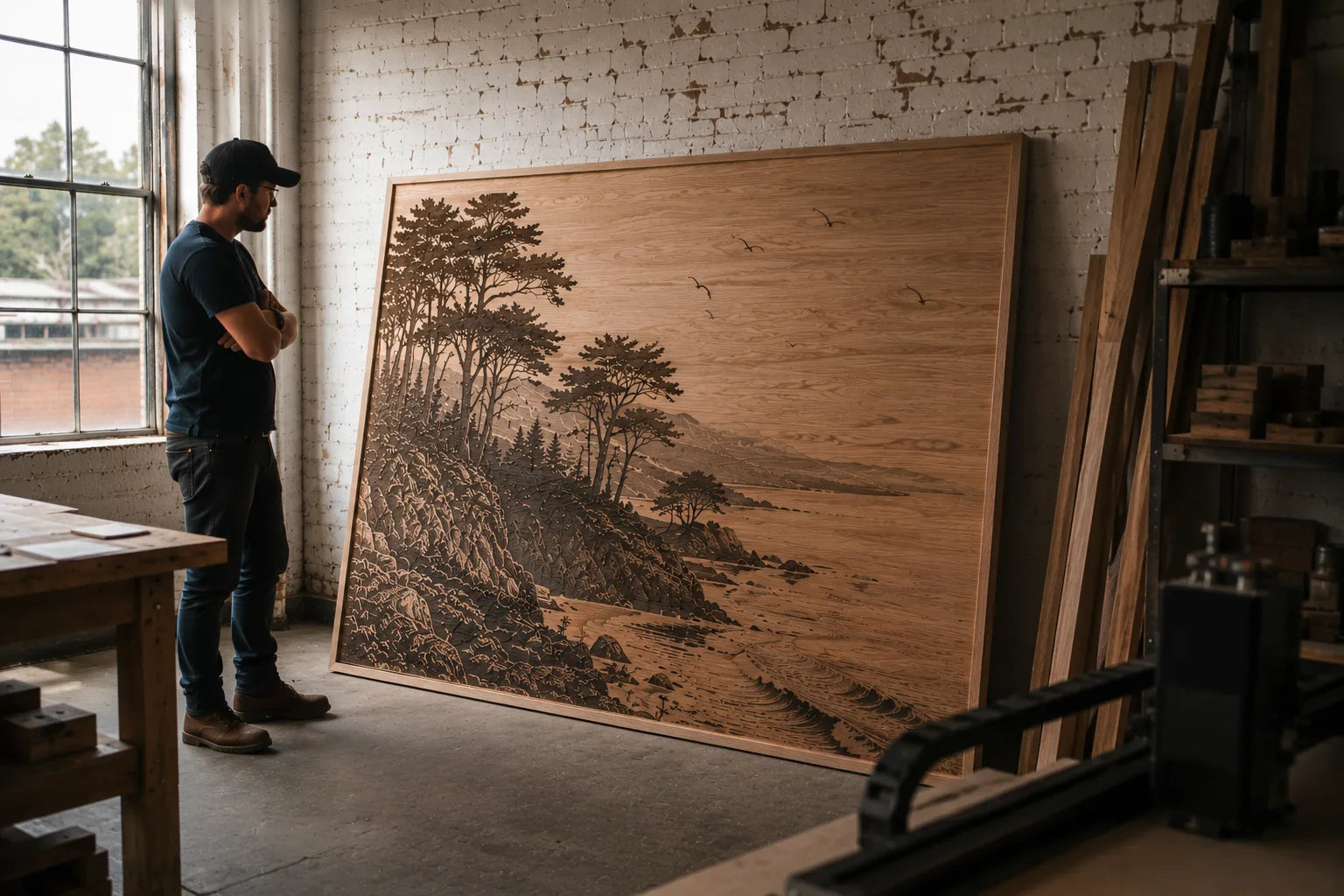
VERIFIED X1S CUSTOMER VOICES
REVIEW SNAPSHOT / X1S“The 800 × 2000mm extension is a major plus for large carving projects.”
“The large cutting area is fantastic, and the machine is easy to use and reliable.”
“The large format and integrated air assist make engraving and cutting a breeze.”
Review snapshot carried forward from the previously verified TYVOK X1S customer-review module.
SEE THE SCALE IN MOTION
Watch the machine, setup, and large-format workflow in one 49-second product video.
THE COMPLETE MACHINE RANGE
Compare by product size, material, workspace, and the kind of work you plan to sell.
BEST FOR PERSONALIZATION
Fast desktop engraving for gifts, tags, leather, and coated cards.
Shop P2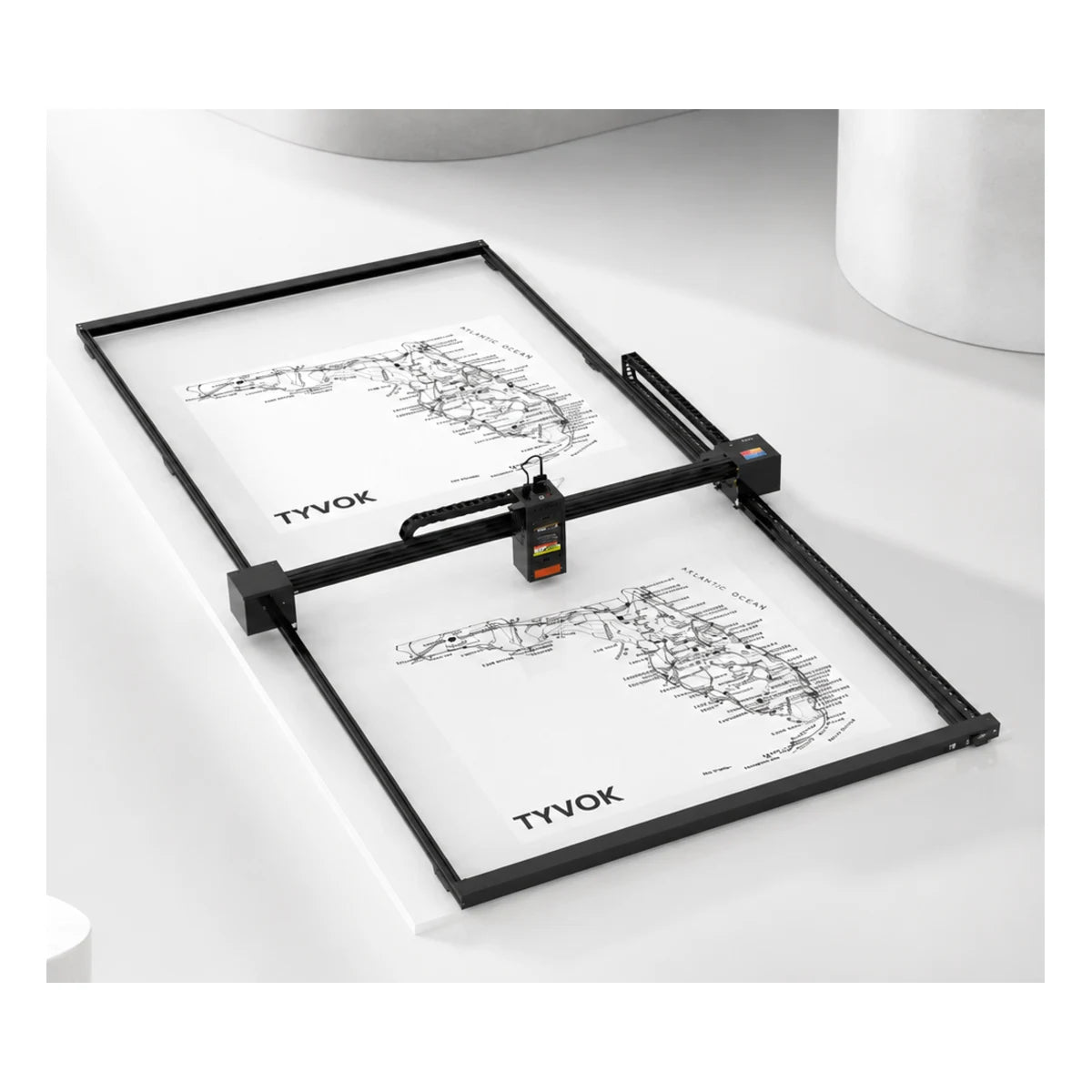
LARGE-FORMAT FAVORITE
Expandable engraving and cutting for signs, panels, and wall decor.
Shop X1S 2026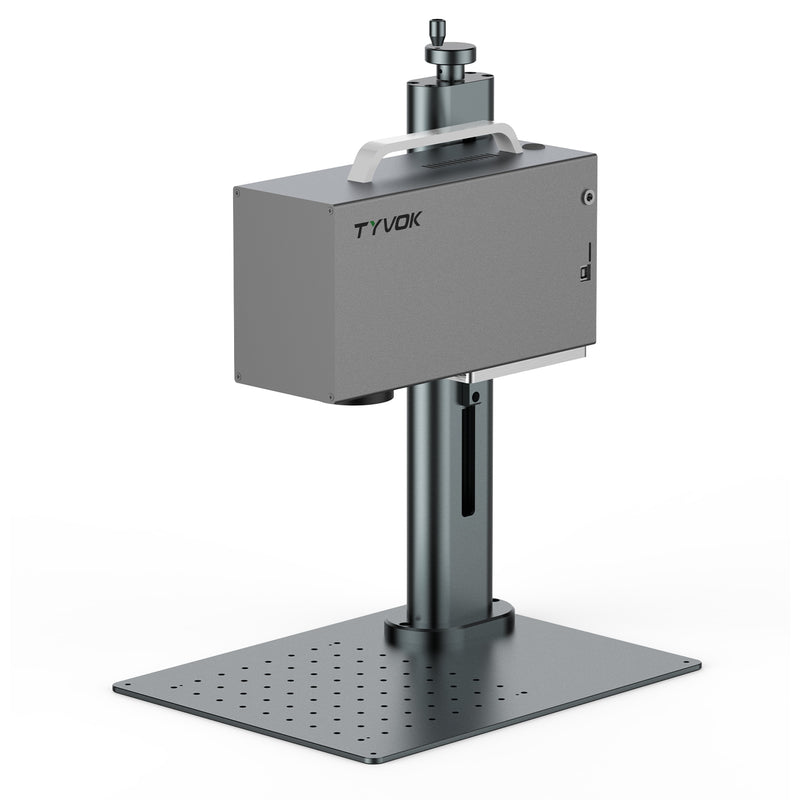
METAL MARKING
Detailed marking for metal cards, jewelry, tools, and shop work.
Shop P2 Ultra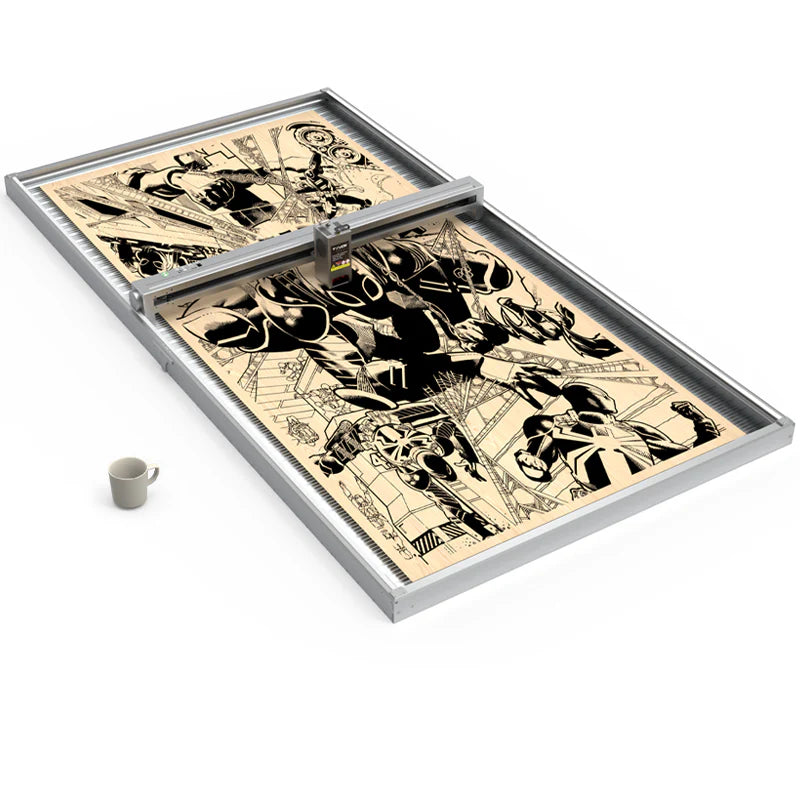
REPEAT LARGE JOBS
Currently sold out
More production headroom for demanding large-format layouts.
Shop X1S Pro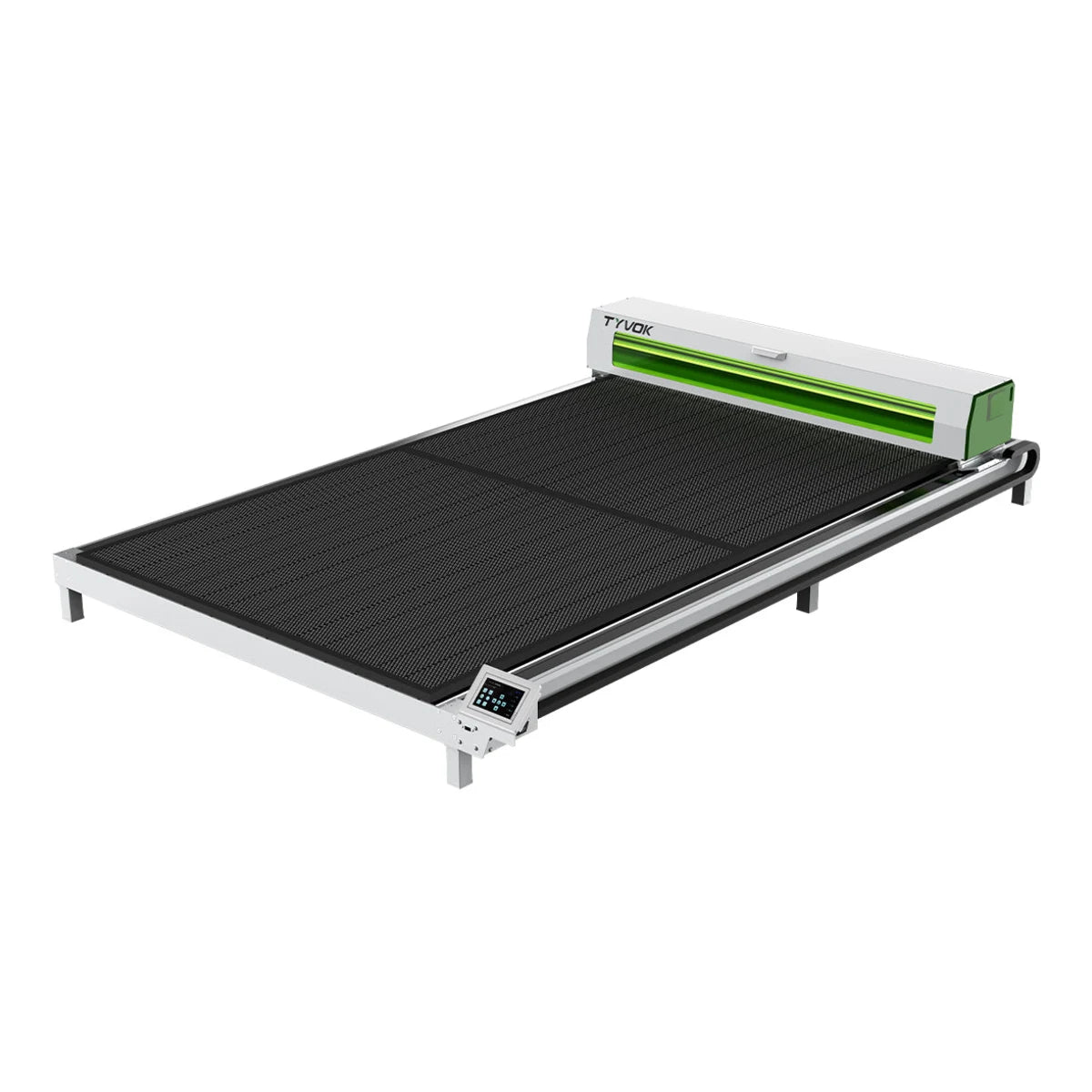
55W / 100W CO₂ SYSTEM
Currently sold out
CO₂ cutting and engraving for acrylic, wood, and batch work. Starting price is for the 55W machine-only configuration.
Shop K1START WITH THE WORK
Select the work you plan to create. We will show the most direct TYVOK starting point.
Compact personalization
A compact starting point for gifts, tags, leather, and coated cards.
From $249QUICK COMPARISON
COMPLETE THE WORKFLOW
Useful upgrades for power, material support, airflow, and repeatable motion.
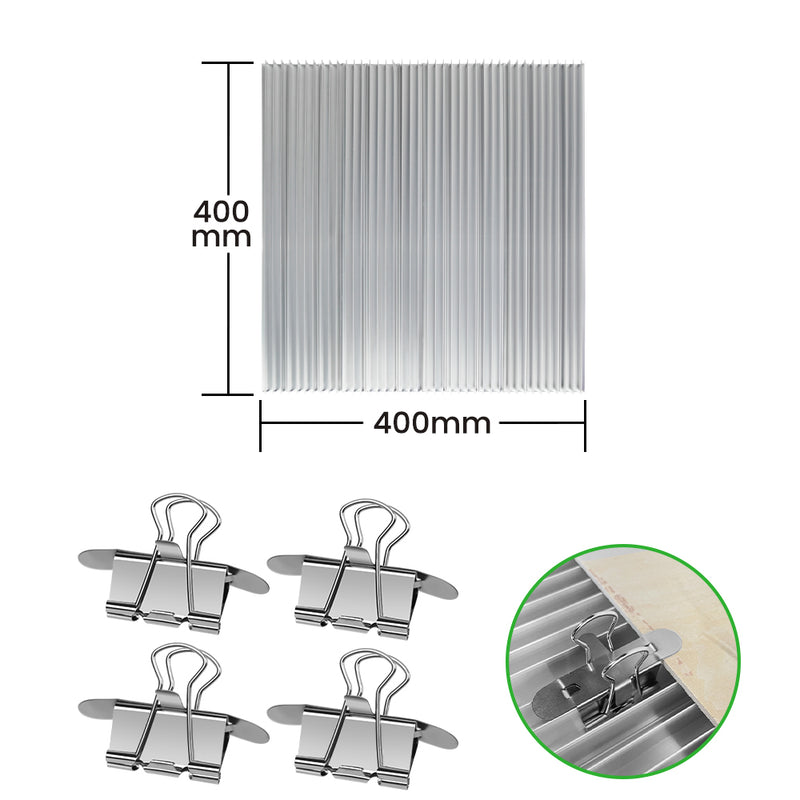
MATERIAL SUPPORT
Lift material for cleaner cutting and better airflow.
From $39.90View accessory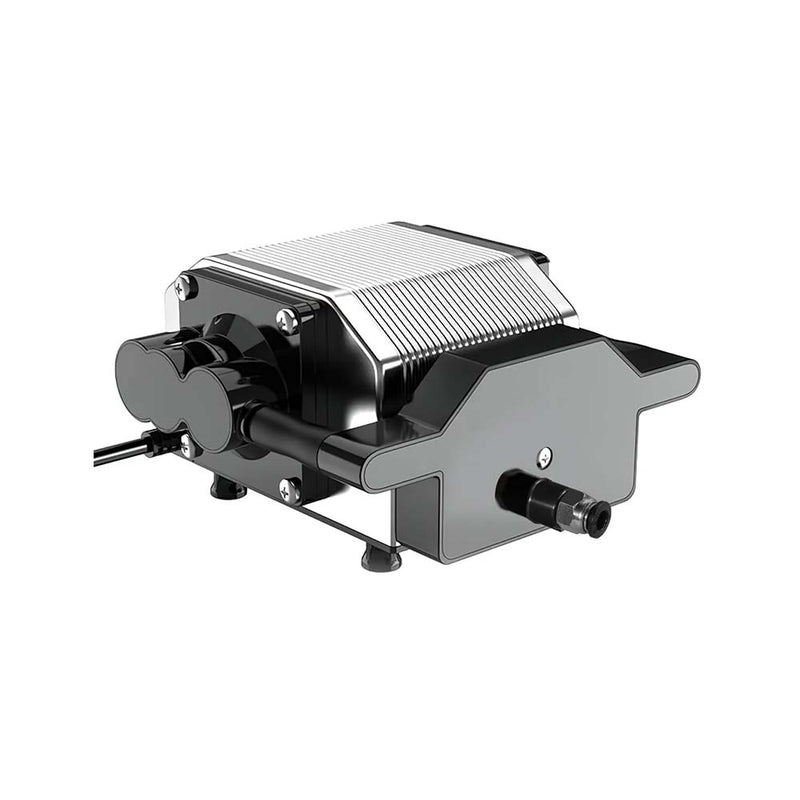
CUTTING SUPPORT
Direct airflow where cleaner edges and smoke control matter.
From $89.90View accessory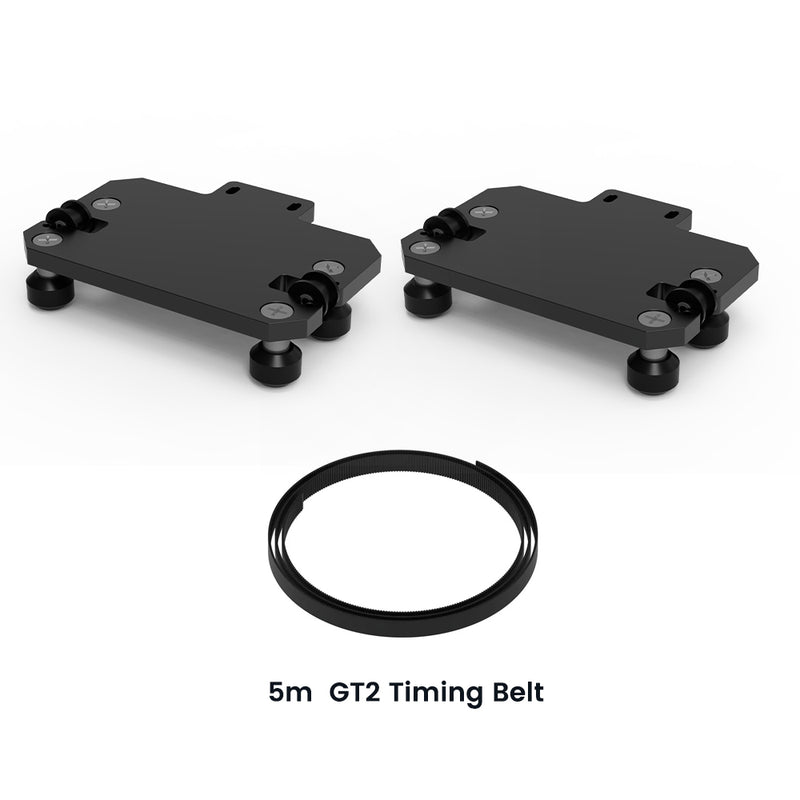
MOTION SUPPORT
Support a more stable path across large-format layouts.
$49View accessory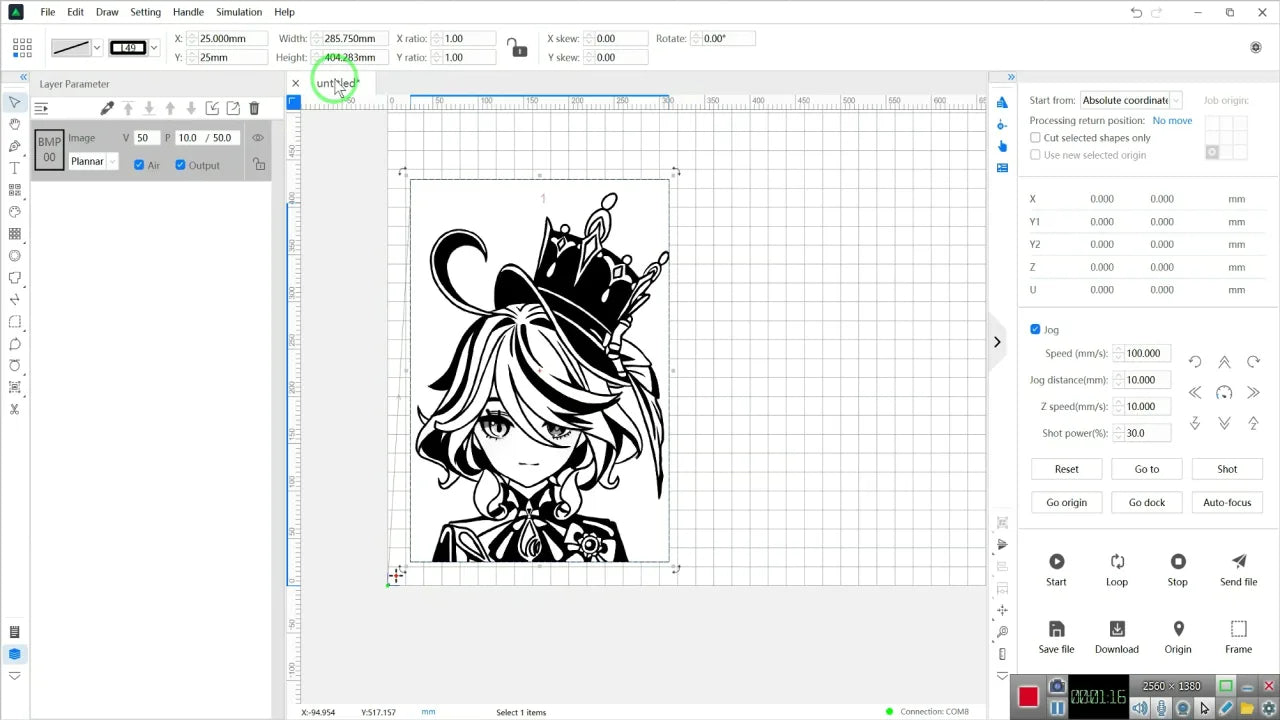
FROM DESIGN TO MACHINE
Prepare the project, preview the layout, and connect through TYVOK's own software workflow. Supported machines can also work with LightBurn and LaserGRBL.
BUY WITH A CLEARER PLAN
Use the selector, buying guide, and support pages to check fit before choosing a machine or accessory.
Contact TYVOK supportP2 is the compact starting point for fast personalization, gifts, tags, leather, and coated cards.
X1S 2026 expands from 800 × 800mm to 800 × 2000mm for larger layouts.
P2 Ultra is the dedicated path in this range for detailed 1064nm fiber metal marking.
Open the TYVOK buying guide for a fuller comparison, or use LaserWiki for setup and material guidance.
FIND YOUR STARTING POINT
Compare materials, workspace size, power, and product fit in the TYVOK buying guide.
Your cart is currently empty.
Start Shopping